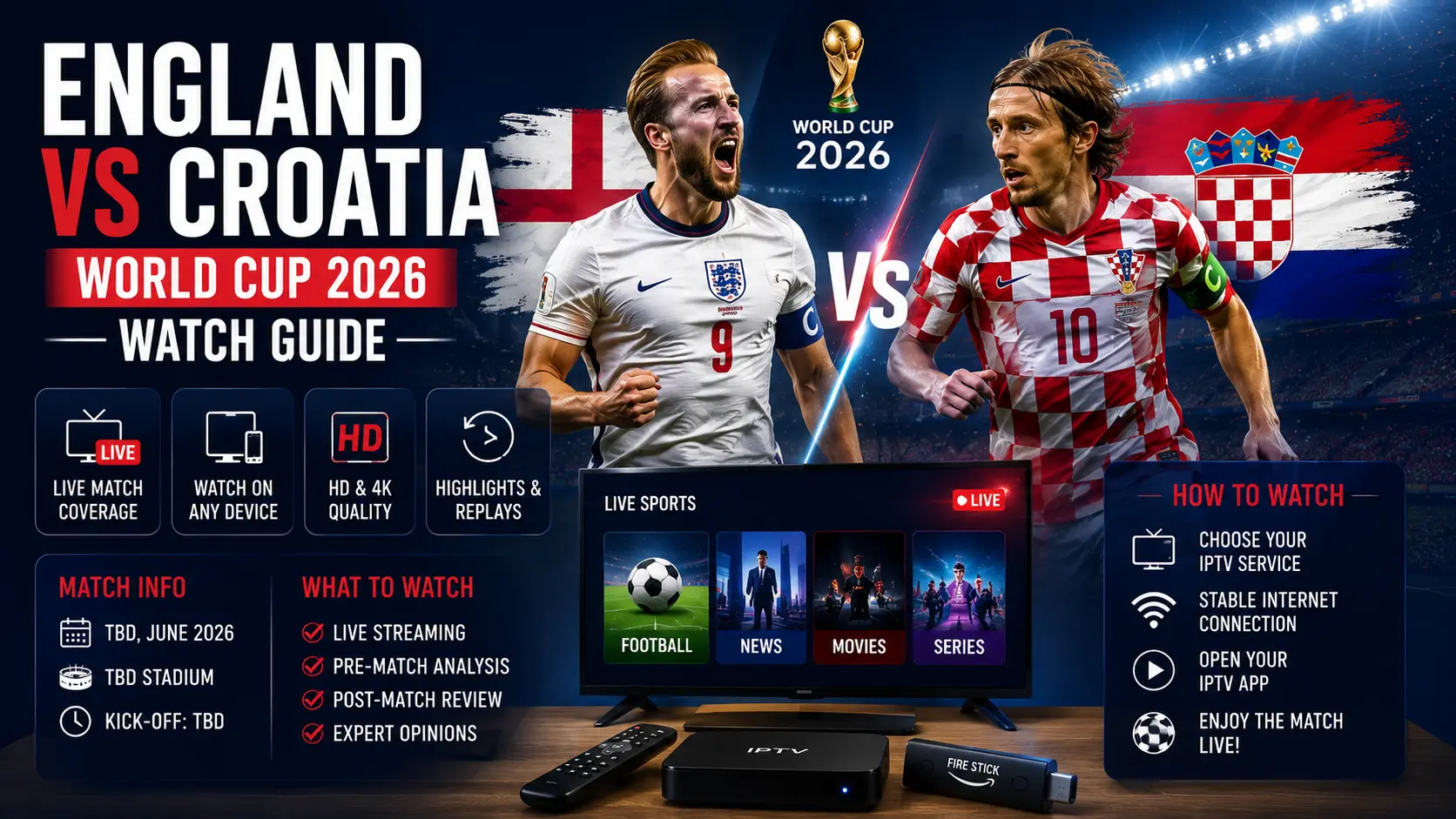
England vs Croatia: the essential match information
England and Croatia meet on Wednesday, June 17, in the opening round of Group L. FIFA lists the kickoff at 20:00 UTC in Dallas, which is 22:00 in Croatia. For fans watching from Zagreb, Split, Rijeka, Osijek or elsewhere in the country, the timing is convenient enough for an evening match without the very late start that some North American fixtures create.
This is Croatia's first match of the tournament. The remaining Group L opponents are Panama and Ghana, so a strong start matters. England arrives with one of the deepest squads in the competition, while Croatia again relies on experience, calm possession, and the ability to compete in high-pressure tournament matches.
Where to watch England vs Croatia legally in Croatia
The safest option is always the official rights holder in your location. In Croatia, viewers should check HRT television coverage and HRTi, HRT's official digital platform. HRT's World Cup programming page and TV schedule should show the exact channel and pre-match coverage close to kickoff.
Start with the official broadcaster even when you normally use a Smart TV app, Android TV box, Firestick, mobile device or browser. The app is only the player or delivery method; the important part is that the stream itself comes from an authorised service. Broadcast rights differ by country, so viewers outside Croatia should use the official broadcaster available where they are located.
For Croatian-language television and general channel organisation tips, read our Croatian channels setup guide. It explains how to keep local favourites easy to find without filling the home screen with unnecessary apps and duplicate playlists.
Best device setup for the match
Smart TV
A Smart TV is the simplest matchday option when the official broadcaster app is supported. Open the TV's app store, search for the official service, install or update it, and sign in before the match. Do not wait until 21:55 to discover that the app needs an update or that your account session has expired.
- Restart the television before opening the stream.
- Install pending system and app updates earlier in the day.
- Open the official stream 15 to 30 minutes before kickoff.
- Select the normal HD feed first; move to a higher quality only after confirming stability.
- Disable energy-saving modes if they dim the screen or interrupt network activity.
Firestick, Android TV and streaming boxes
A dedicated streaming device can be faster than the software built into an older TV. Keep the device connected directly to the television, use the original power adapter, and leave enough free storage for app updates and temporary files. Cheap boxes with limited memory can struggle when several apps stay open in the background.
Before the match, close unused applications and restart the device. For more detailed hardware advice, see our best IPTV box guide. The goal is not to buy the most expensive box; it is to use a stable, supported device with current software.
Phone, tablet and computer
Mobile viewing is useful when you are travelling or away from the main television. Install the official broadcaster app in advance and allow notifications only if you want score or programme alerts. On a laptop, use an updated browser and connect the charger before kickoff. Browser extensions, ad blockers and privacy tools can sometimes interfere with official video players, so test playback earlier and disable only the extension causing the problem.
Internet preparation: what matters more than headline speed
Matchday problems are often blamed on the streaming service when the real issue is local Wi-Fi congestion. A stable 25 Mbps connection can perform better than an unstable 200 Mbps connection. Consistency, signal quality and low packet loss matter more than the number advertised by the internet provider.
- Ethernet is best: connect the TV or streaming box directly to the router where possible.
- Use 5 GHz Wi-Fi nearby: it is usually faster and less crowded than 2.4 GHz at short range.
- Pause large downloads: game updates, cloud backups and system updates can consume bandwidth.
- Restart the router early: do it at least 30 minutes before kickoff, not during the national anthem.
- Avoid unnecessary repeaters: every weak wireless hop can add delay and instability.
Our detailed IPTV buffering fix guide covers Wi-Fi channels, router placement, Ethernet, DNS testing and app-level checks.
Matchday checklist: 30 minutes before kickoff
- Confirm that the TV or streaming device shows the correct date and time.
- Open the official broadcaster app and verify that normal live video plays.
- Check the television input, sound output and remote-control batteries.
- Set picture quality to Auto or HD instead of forcing 4K on a weak connection.
- Close downloads and streaming sessions on unused devices.
- Keep the WhatsApp support details ready if you need device setup help.
How to fix buffering during England vs Croatia
If the picture freezes, avoid changing several settings at once. Start with the quickest checks and test after each step.
1. Reduce video quality temporarily
Move from 4K or Full HD to Auto or standard HD. A stable picture is more useful than a higher resolution that stops every few seconds. You can increase quality again when the connection settles.
2. Restart only the affected app
Close the app completely and reopen it. On Android TV and Firestick, returning to the home screen is not always enough because the app may remain in memory.
3. Switch from Wi-Fi to Ethernet
A temporary cable across the room may not look elegant, but it is one of the fastest ways to confirm whether Wi-Fi is the cause. If Ethernet fixes the stream, improve the router position after the match.
4. Check whether every device is affected
Test the official stream on a phone connected to the same Wi-Fi. If both devices have the same issue, the problem is probably the home connection or broadcaster stream. If only the television is affected, focus on that TV, app or streaming box.
Audio delay, subtitles and picture settings
Football is especially sensitive to audio delay because the crowd reaction can reveal a goal before the picture catches up. If the sound and picture are out of sync, disable Bluetooth speakers temporarily and use the TV's internal speakers. Bluetooth adds latency, while soundbars connected through HDMI ARC may need an audio-delay adjustment.
Keep motion smoothing moderate. Some viewers like the extra smoothness for sport, but aggressive processing can create visual artefacts around fast-moving players and the ball. A standard Sports mode or a lightly adjusted Cinema mode is usually more natural.
Croatia's Group L schedule
| Fixture | Date | Kickoff in Croatia | Venue |
|---|---|---|---|
| England vs Croatia | June 17 | 22:00 | Dallas |
| Panama vs Croatia | June 23/24 | 01:00 | Toronto |
| Croatia vs Ghana | June 27 | 23:00 | Philadelphia |
Because North American time zones create late starts for European viewers, prepare notifications carefully and avoid websites or apps that may show spoilers before you watch a replay.
Watching while travelling
Broadcast availability is based on location. HRT services intended for Croatia may not offer the same content abroad, and another broadcaster may hold the rights where you are staying. Check the official local World Cup broadcaster and its terms before travelling. Do not rely on an unverified website that appears shortly before kickoff; unreliable pages may contain aggressive advertising, fake play buttons or unsafe downloads.
Responsible streaming reminder
IPTV is a technology for delivering video over an internet connection. It is used by official broadcasters, telecom companies and legitimate streaming platforms. Always use authorised sources and respect the broadcasting rules that apply in your location. CroTV4K provides device, app and connection guidance and does not guarantee access to any specific copyrighted event or channel.
Isprobajte CroTV4K besplatno 24 sata
Testirajte CroTV4K na svom Smart TV-u, Firesticku, Android boxu, mobitelu ili tabletu. Provjerite hrvatske kanale, sport, filmove i kvalitetu streaminga prije odabira plana.
Frequently asked questions
What time is England vs Croatia in Croatia?
The match is scheduled for Wednesday, June 17, 2026 at 22:00 Croatian time.
Where can I watch the match legally in Croatia?
Check HRT television coverage and HRTi, HRT's official digital platform, shortly before kickoff.
Can I watch on a Samsung or LG Smart TV?
Yes, when the official broadcaster app supports the television. You can also use a compatible streaming device or cast from a phone or computer.
What internet speed is recommended?
A stable connection of around 15 to 25 Mbps is normally sufficient for HD. Higher-quality streams need more bandwidth, but stability is more important than maximum speed.
Why does the stream work on my phone but not my TV?
The TV app may be outdated, the TV may have weaker Wi-Fi reception, or the streaming device may need a restart. Test both devices on the same network to isolate the cause.
Is IPTV legal for watching the World Cup?
IPTV is a delivery technology. Use only authorised broadcasters and licensed services available in your country.
Need help preparing your device before kickoff?
Message CroTV4K on WhatsApp and tell us your device model, country and the app you are using. We can help with general setup, Wi-Fi checks and playback troubleshooting.
Contact CroTV4K on WhatsApp